

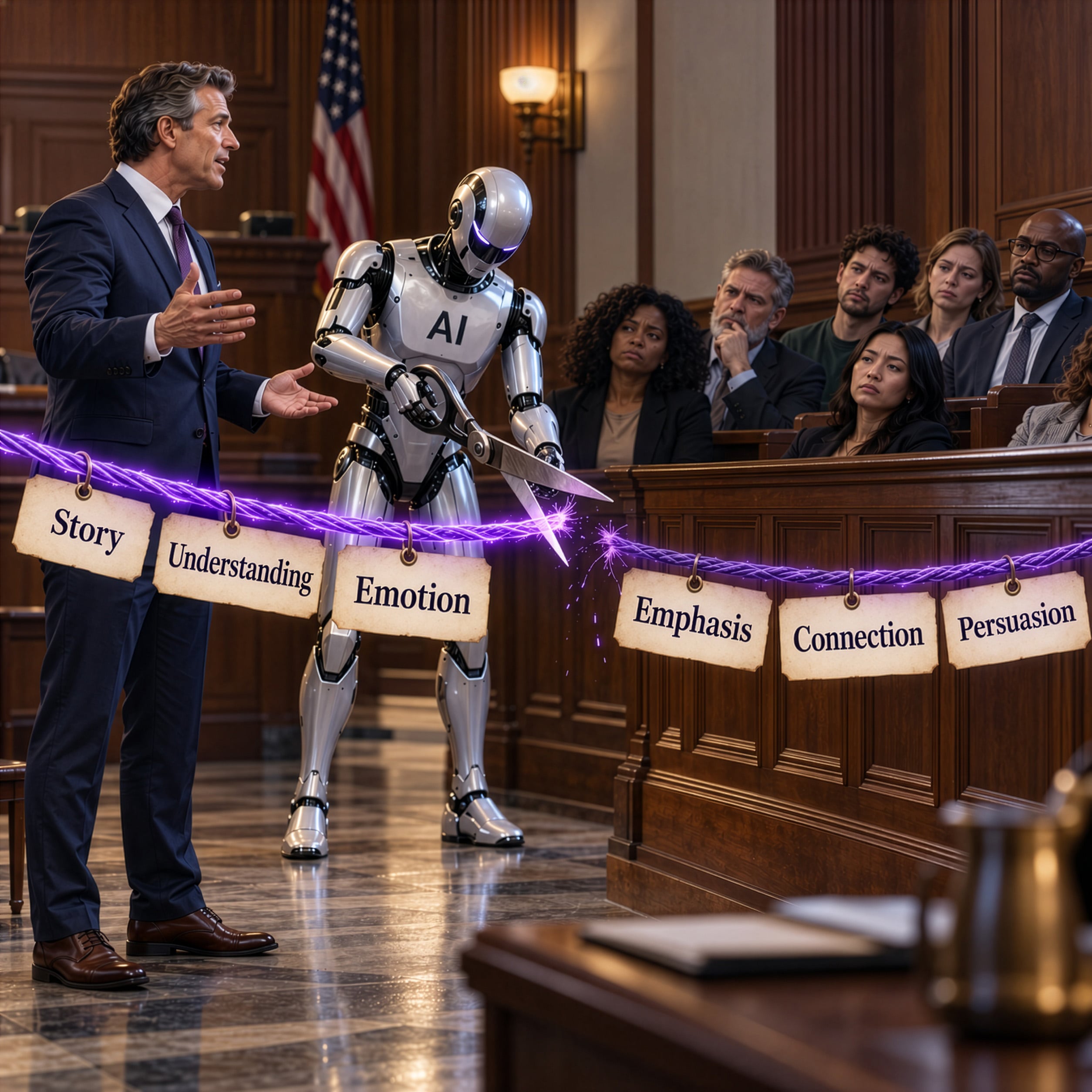

Imagine asking AI to turn your opening statement into a polished presentation. It returns a handsome deck: coordinated colors, matching title bars, tidy lists, and an illustration on every third slide.
You might think you have just eliminated the need for a litigation graphics consultant.
You have generated slides. You have not acquired the expertise that makes trial graphics persuasive.
The hard part of trial graphics is deciding what jurors need to understand, what might keep them from understanding it, and how each visual will help you change that. A finished-looking deck does not answer those questions.
In How Many Persuasion Errors Can You Spot in This Slide?, I deliberately assembled a terrible slide to illustrate familiar presentation mistakes. AI gives us a new reason to revisit that exercise: it can make those same mistakes look much more professional.
My concern is the assumption that familiar presentation conventions must be effective. Common practice is a poor substitute for persuasion expertise. An attorney can ask for a professional-looking deck and receive exactly that, including familiar design choices a litigation graphics specialist would reject. The attorney may even praise the very features that need to change.
The problem is deeper than proofreading the output. To recognize a persuasion error, you first have to understand persuasion. Legal expertise does not automatically supply expertise in visual attention, audience comprehension, or the coordination of graphics and spoken advocacy. Here are 22 reasons that using AI to build your own trial slides is a poor substitute for hiring specialists.
1. AI can make every slide look equally important
The same title bar. The same layout. The same amount of text. A routine background fact and the central contradiction in the case arrive wearing identical clothes. Where is the signal that something important has changed? Consistency should help jurors follow the argument; it should not flatten its emphasis. A litigation graphics specialist designs those moments deliberately. An attorney evaluating the deck for consistency may approve the very sameness that undermines them.
2. AI can eliminate useful visual surprise
A document excerpt followed by a photograph, a comparison, or a single consequential number changes the viewing experience. That change can be purposeful. As I argued in Could Surprise Be One of Your Best Visual Persuasion Tools?, variation belongs in the trial team's toolkit. A deck that treats uniformity as an overriding goal can design those opportunities away. Random decoration is no substitute for a deliberate change in emphasis.
3. AI cannot choose what to downplay without your strategy
Sometimes an unfavorable fact needs to be acknowledged accurately without receiving a dramatic visual reveal. A restrained presentation may be appropriate. But that is a judgment about this case, this audience, and your credibility. If every slide is visually subdued, the presentation may also downplay your strongest evidence. Persuasion expertise is what distinguishes intentional restraint from an accidentally forgettable presentation.
4. AI can turn an opening statement into a slide-shaped outline
Giving AI a speech and asking for slides invites a particular shortcut: divide the speech into sections, summarize each section, and put the summaries on screen. That produces an outline of what the lawyer will say. It does not necessarily produce anything worth showing. Start by asking which relationships, events, or comparisons would become clearer if jurors could see them.
5. AI can bring back the bullet points
A neat list still asks jurors to work through a list. Replacing dots with checkmarks, numbered circles, or little icons does not solve that problem. Our article Powerful PowerPoint Presentation Tips: Ditch the Bullet Points! explains the concern. If the point is that three warnings preceded a decision, show the warnings in relation to that decision. Do not merely announce that there were three.
6. AI can make jurors read while you need them listening
A paragraph on screen gives jurors a reading assignment at the very moment you are speaking. Depending on the content and delivery, those tasks can compete. As discussed in Why Reading Your Litigation PowerPoint Slides Hurts Jurors, the spoken and visual presentations need to work together. Exact wording sometimes matters enormously. Show it deliberately, give jurors time to read, and explain its significance.
7. AI can preserve too much because everything was in the prompt
Uploading a lengthy case summary does not mean every fact deserves screen time. An exhaustive deck can give minor details space that the central explanation needs. Our discussion of how much text is too much remains relevant. Ask what a juror must understand at this point in the presentation. Put supporting detail where it belongs rather than making each slide carry the whole file.
8. AI can compress several reasoning steps into one slide
Consider a slide containing a contract obligation, a notice, a response, and a damages calculation. Each may be accurate. Together, they may require jurors to solve four problems at once. A designer needs to decide what must be understood first and what can follow. Fewer slides do not automatically mean a simpler explanation. Sometimes a sequence gives the audience the necessary room to think.
9. AI can label a subject without explaining its significance
“Internal Communications” identifies a folder. “The warning reached the decision-maker before approval” identifies a proposition, assuming the evidence supports it. AI can generate either kind of headline. Your team must decide which proposition matters and whether the slide actually supports it. A short, concrete heading can guide interpretation; a generic heading can leave jurors wondering why they are seeing the document.
10. AI can add pictures that do no explanatory work
A courthouse, a handshake, or a glowing network may make a slide look finished. Ask what the image helps the jury understand about the evidence. If the answer is nothing, it is occupying space that might be better used for a relationship, a comparison, or no image at all. The standard should be explanatory value, not whether the software found something attractive to fill the rectangle.
11. AI can make a chronology stand in for a story
Sorting events by date does not establish which decision mattered, what alternatives existed, or why the consequences followed. Imagine a dispute involving months of correspondence and one consequential approval. A comprehensive timeline could bury that choice among dozens of routine exchanges. The visual story may need to begin with the decision, then show what the decision-maker knew. A litigation graphics consultant helps make that choice before the timeline is built. Faster production cannot make up for choosing the wrong story structure.
12. AI can explain the case at the wrong starting point
The lawyers may have lived with the dispute for years. Jurors have not. An AI prompt written in the team's shorthand can produce slides that preserve its assumptions: unexplained acronyms, unfamiliar processes, and distinctions that seem obvious only to specialists. In 5 Rules for How Simple a Trial Presentation Should Be, I urged teams to simplify further than feels comfortable. Begin with the audience's knowledge, not the team's vocabulary.
13. AI can confuse an accurate number with a meaningful number
Ten million transactions. Forty milliseconds. Three parts per million. A number can be correct and still leave a juror with no useful understanding of its scale or significance. A trial graphics professional asks what comparison would help and whether that comparison is fair. Asking AI to “make this statistic impressive” starts with the wrong objective. Ask what the audience needs to understand about it.
14. AI can make a chart persuasive in the wrong way
Check the axis, denominator, time period, unit, and comparison group. A beautifully drawn chart can exaggerate a difference or conceal one through those choices. The issue is not whether it looks mathematically sophisticated. It is whether it faithfully represents the underlying data and the proposition you intend to establish. Verification must reach the visual construction, not stop at checking that the numbers were copied correctly.
15. AI can turn uncertainty into a definite-looking picture
Suppose the evidence establishes a range of possible locations. A generated illustration places an object at one exact point. The image now communicates more certainty than the source supports. The same problem arises with distances, angles, timing, and sequences. Every depicted detail needs scrutiny. Visual precision is a claim, even when nobody has written that claim in the caption.
16. AI can improve the wording and change the evidence
An AI-generated summary may be clearer than the underlying email while losing a qualification that matters. “Could” is not “would.” A question is not an admission. Keep exact quotations distinct from summaries, check them against the source, and preserve the context needed to understand them. A polished paraphrase should never quietly become the document the jury thinks it is reading.
17. AI can create a document callout without a reading path
Enlarging an excerpt is only one design decision. How will jurors recognize the source? Where should they look first? How much surrounding language is necessary? Does the highlight isolate the relevant wording without changing its meaning? A crowded screenshot with a colored box is not automatically a useful callout. The design should guide the audience through the evidence without making it hunt for the point.
18. AI cannot verify courtroom readability from a laptop preview
Small labels, low contrast, and subtle color differences may look acceptable on the designer's screen. The courtroom is the real test. Check the display, viewing distance, and sightlines; avoid making color alone carry an essential distinction. No universal font-size rule can substitute for checking what the audience will actually see. An exported deck is a file, not proof that the jury can read it.
19. AI can fill moments that should belong to the lawyer
Some passages call for a visual. Others call for the jury to look directly at the person speaking. A deck built to accompany every paragraph can leave an irrelevant image on screen or encourage unnecessary slide changes. Our article 12 Ways to SUCCESSFULLY Combine Oral and Visual Presentations discusses coordinating those choices. Plan the pauses and blank screens along with the graphics.
20. AI cannot replace audience testing with its own approval
Ask AI whether its slide is compelling, and you receive another model response. You have not learned what a juror understood. Show the visual to people unfamiliar with the case and ask them to explain it back. Where appropriate, test it through jury research. Their misunderstanding may reveal that the problem lies in the explanation itself, even when the slide looks excellent.
21. AI can leave you with a deck that is awkward to change
Trial preparation rarely ends with the first export. A ruling, revised calculation, or changed testimony may require a rapid correction. Can the team edit the text, replace the exhibit, remove a section, and verify the result? A slide assembled as a single image may complicate those tasks. Inspect the actual deliverable and rehearse the revision workflow before relying on it in court.
22. AI can make unfinished strategic work feel finished
Polish creates a powerful stopping point. Once the deck looks ready, the team may shift from asking whether the argument works to debating a color or a word. In Why Lawyers Should Stop Designing Their Own PowerPoint Slides, I described the expertise courtroom graphics require. AI does not remove that requirement. It makes it easier to obtain a finished-looking product before the underlying decisions have been tested.
You are hiring the expertise that tells you what to build
The temptation is understandable. If you think a litigation graphics consultant's job is to turn your outline into attractive slides, AI looks like a replacement. But that description leaves out the most valuable part of the work.
At Persuadius, the work includes questioning the outline, identifying what the audience needs explained, choosing how to make a relationship visible, and deciding when a visual should command attention. Our litigation graphics work draws on legal understanding, design, and jury consulting. Those decisions shape what gets built in the first place.
An attorney reviewing AI-generated slides can check names, dates, and quotations and still miss the central persuasion problem. The slide may be accurate, attractive, and strategically ineffective. Asking the same tool to improve it does not supply the expertise needed to diagnose why.
Specialists may use AI as one tool in their work. That does not make their expertise available to everyone who uses the same software. Owning the tool and knowing what to do with it are separate capabilities.
Before replacing professional trial graphics with an AI-generated deck, ask what you are actually saving. Production time is only one part of the investment. The quality of the explanation you put before the jury is the part that matters.
If you are preparing for trial, contact Persuadius for a free 15-minute case consultation about your litigation graphics and presentation strategy. Prefer a confidential conversation? Email confidential@persuadius.com.


Leave a Comment